




Oscarspin Mobile Application
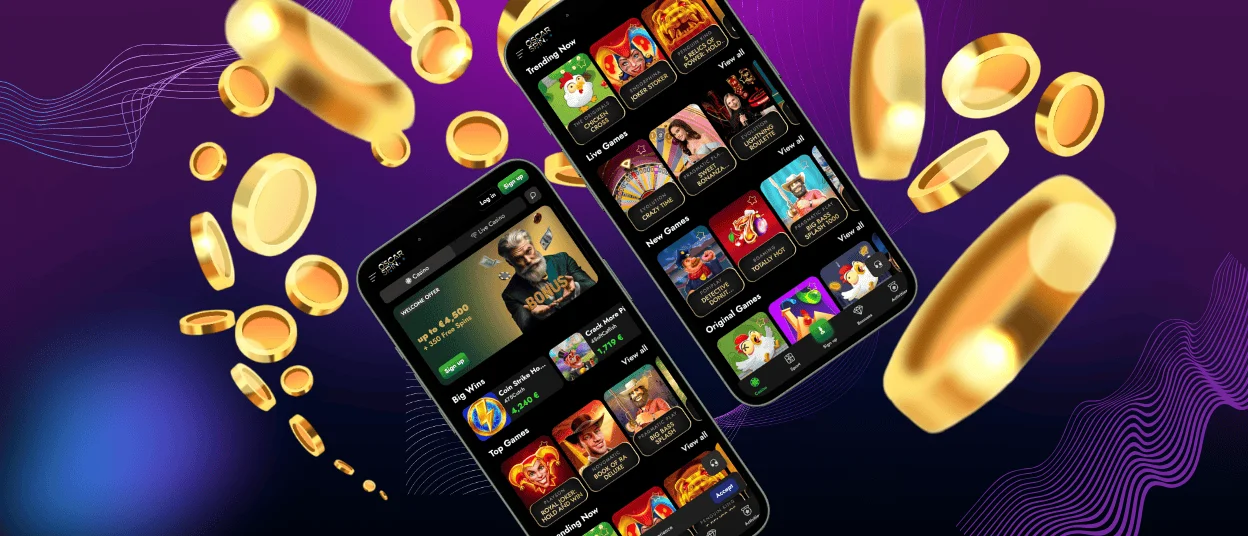
Thanks to the Oscarspin app, players on various devices can enjoy a whole new on-the-go gaming experience. We’ve ported all the features from the browser version to our application and added a host of unique capabilities.
Among these is optimization for any screen size, so you can appreciate the intricate details top developers put into each title. Native full-screen mode lets you navigate between sections seamlessly, without distractions from loading screens. You won’t be bombarded with intrusive ads, a common issue with applications from official stores, since the Oscarspin PWA is available for download from our official website.



Key Features of the Oscar Spin App
When you play at Oscarspin Casino on mobile devices, we’ve made the transition as seamless as possible, and thanks to features like an interface optimized for small screens, you won’t notice much of a difference. However, in many ways, users find the mobile version more convenient than the desktop version, and here are some of those reasons:
| Mobile Application Benefits | Description |
| Portability | A key feature that allows players to enjoy the gameplay from anywhere in the world |
| Speed | You don’t need to waste time turning on your device or going home. Quickly take advantage of a promotion or jump into a game at Oscar Spin |
| Comfortable | You can choose for yourself what position to be in when you start the game. You don’t have to sacrifice comfort; you can even play while lying down. |
| Camera Integration | Use your device’s camera to scan QR codes for promotions or complete the verification process in seconds; no separate scanner required. |
Oscarspin Android App
To access the Oscarspin app on your Android-powered devices and tablets, all you need to do is follow these simple, straightforward instructions:
- Open our website in any supported browser
- Find and tap the menu button
- Select a name for the app and press the “Add to Home Screen” button
- Confirm the installation and wait for the icon to appear on your device’s screen
After that, you’ll need to log in. If this is your first time, the registration process on mobile devices is exactly the same as on the web version. Also, after your first login, you can take advantage of a convenient feature called autofill, which makes authorization at Oscarspin Casino take just a few seconds.
PWA for Convenient Gaming
PWA is the technology on which our Oscarspin app is based. We chose it for a variety of reasons that make it convenient for users around the world. For example, optimized battery usage on mobile devices allows you to enjoy the game longer because the application doesn’t consume your gadget’s additional resources.
And with customizable push notifications delivered directly to your screen, you’ll never miss important promotions. You also don’t have to waste time constantly checking the store for updates, because PWAs automatically add all the latest content available at Oscarspin.
Is There an APK?
You won’t be able to find a standalone APK version of Oscar Spin Casino. Therefore, if you come across something like that online, it’s a scam. In general, this format also leaves plenty of room for fraud, and clicking through various third-party sources could result in data loss. That’s why you can download our application only from the website to stay safe.
Another reason we’ve opted against this technology is the average file size of such programs. We want even players with less-than-stable internet connections to be able to access our Oscarspin app, which is why the PWA doesn’t take up space on your device and installs in seconds.
Oscarspin iOS App
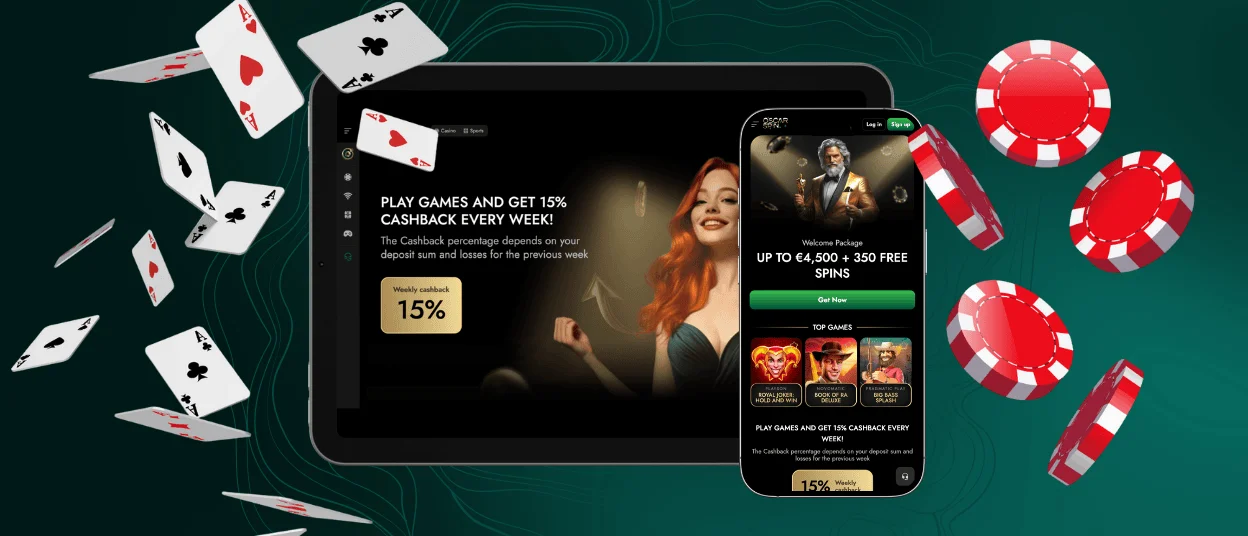
There is also a separate version of the Oscarspin Casino application for your iPad and iPhone. You also don’t need to visit the App Store to access it. Just open the website in Safari or another browser, and you’ll see a “Share” button at the bottom. Tap it to open a menu, then find the “Add to Home Screen” button. Once you tap it, the icon will appear next to the others on your gadget’s screen.
If you’ve done everything correctly, after a quick sign-in, you’ll be able to start your journey at the Oscarspin app and enjoy features such as depositing and withdrawing funds, playing a huge number of games from leading providers, and much more.
Oscar Spin App for Windows and macOS
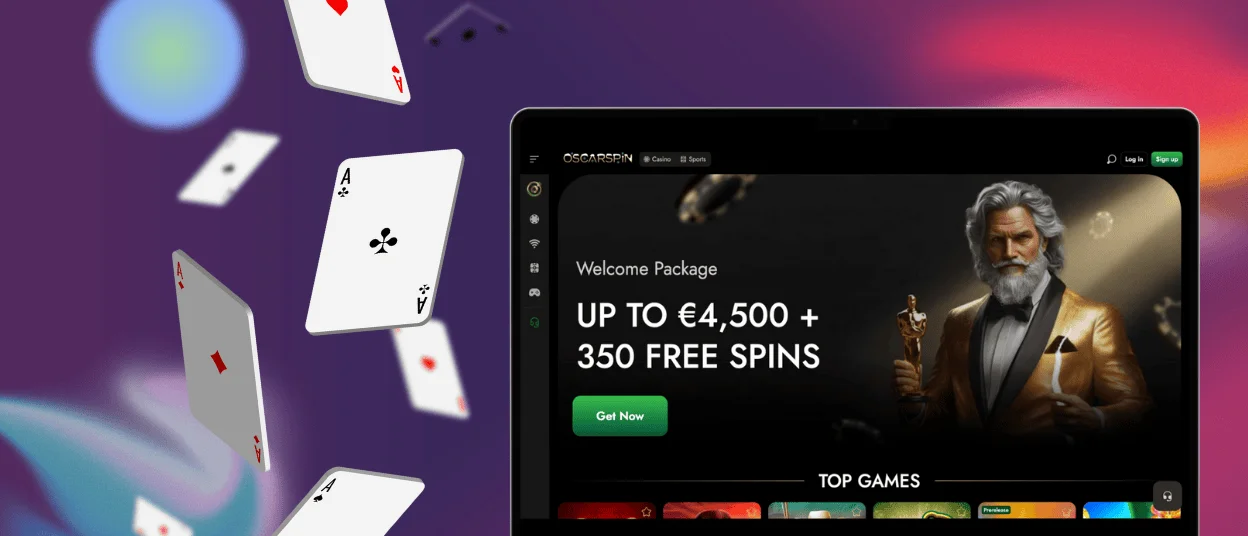
Personal computers haven’t been left out either. A separate version of the Oscarspin Casino application is available for Windows and macOS devices. To access it, go to our website and look for the button in the address bar; after you click it and confirm the installation, the icon will appear on your desktop.
If something goes wrong during this procedure or any of the steps described above, you can contact our support team via live chat or email. Our specialists will quickly help you identify the cause and resolve it.
FAQ
How can players cash out from the mobile app?
In order to withdraw funds from your account, you must first complete the verification process. This security measure requires you to provide photos of your ID and proof of address, such as a bank statement.
Do I need to register to play through the Oscar Spin Casino app?
You must register on the website to start playing for real money. However, demo versions of the top online slots are available to all site visitors.
How can I update the Oscarspin Casino app on my phone?
You don’t need to download separate patches for your mobile casino, since it updates automatically. And to make sure you don’t miss out on the latest promotions and other important innovations, you can follow our news or check out our social media pages.


